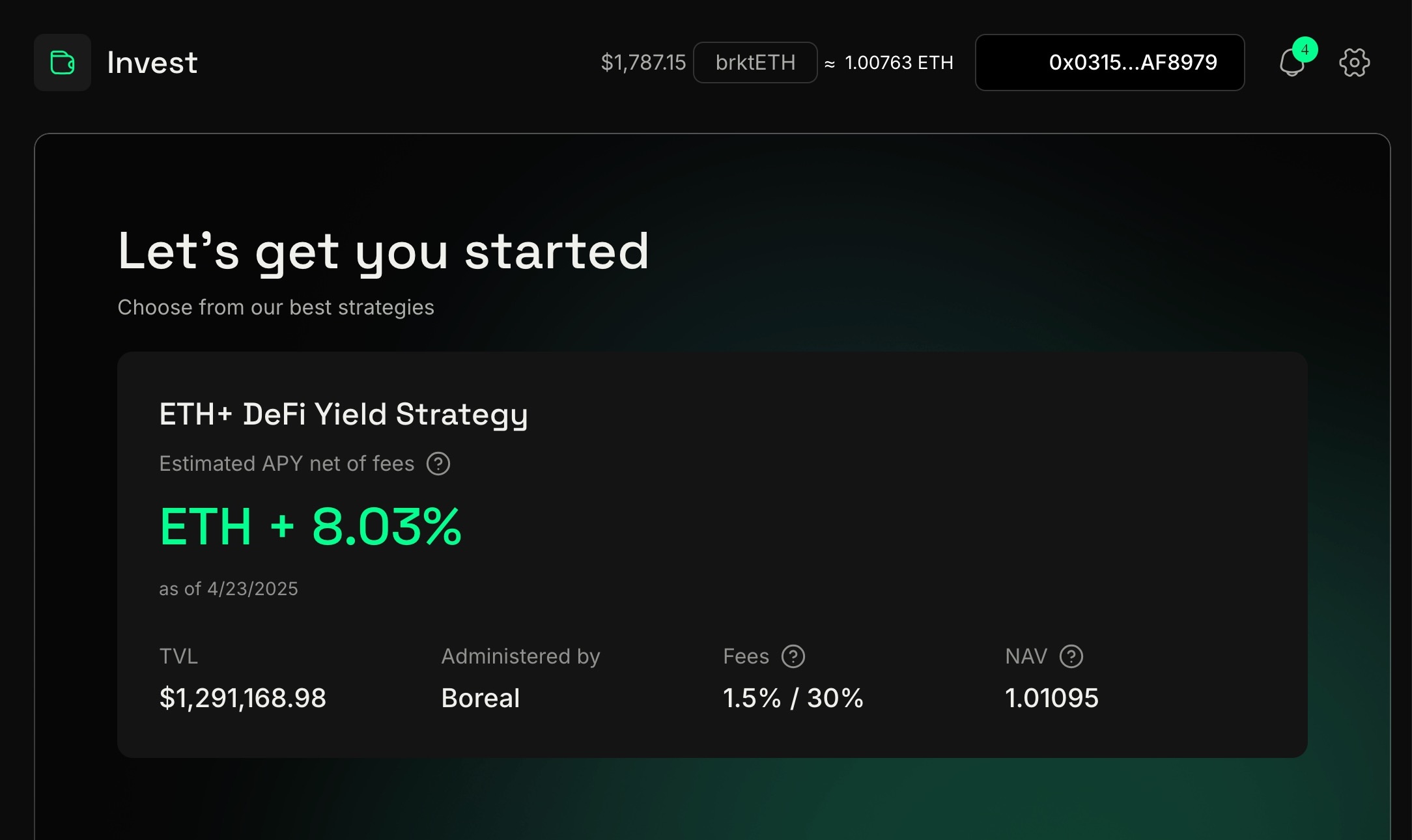
Connect your web3 wallet
Here you will be able to select a strategy
Upon investing, you will be staged to enter the strategy and committed at the NEXT OFFICIAL NAV UPDATE as indicated in the UI. Please note that the VALUE of your shares cannot be known until the NAV is posted.
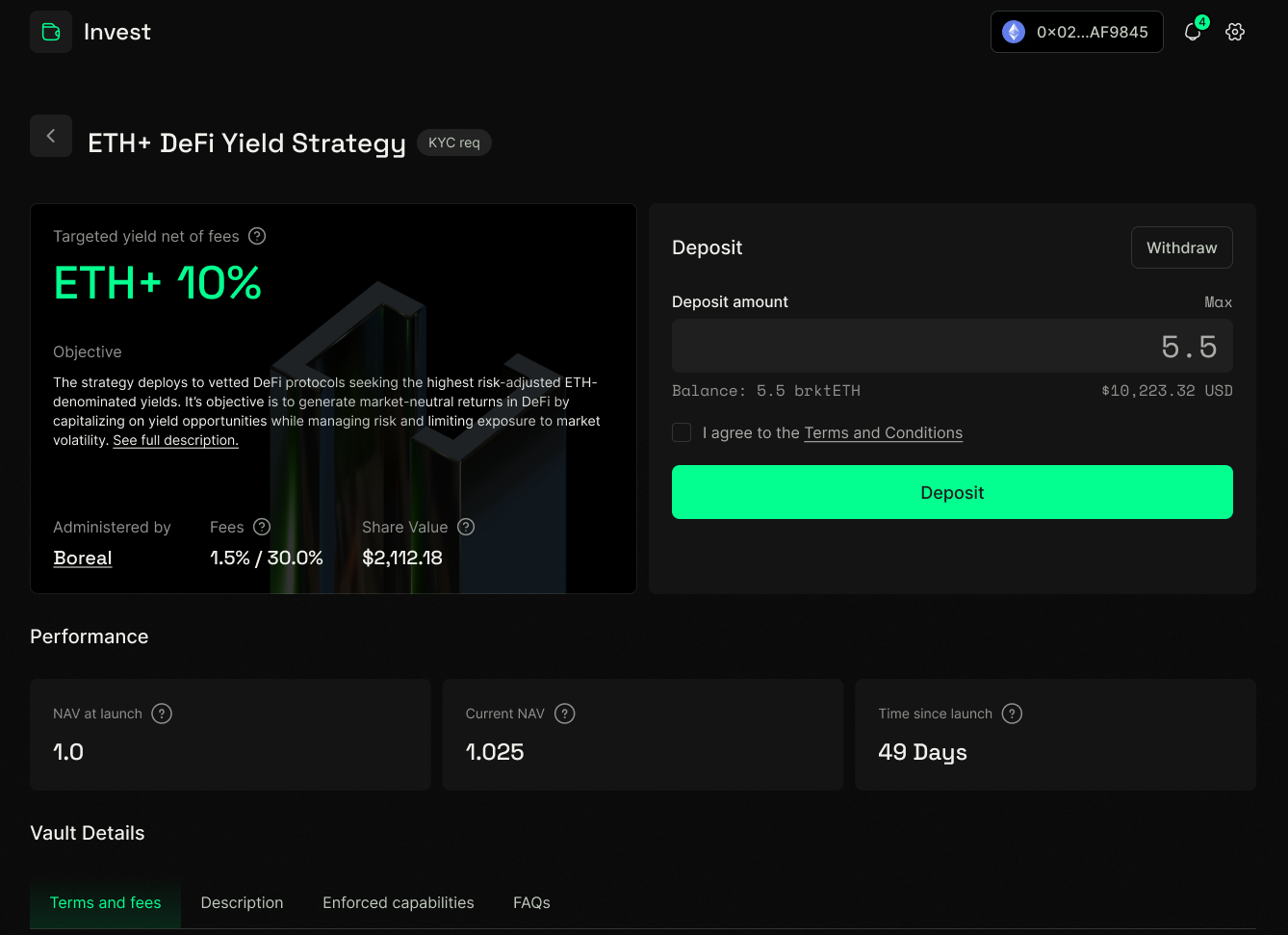
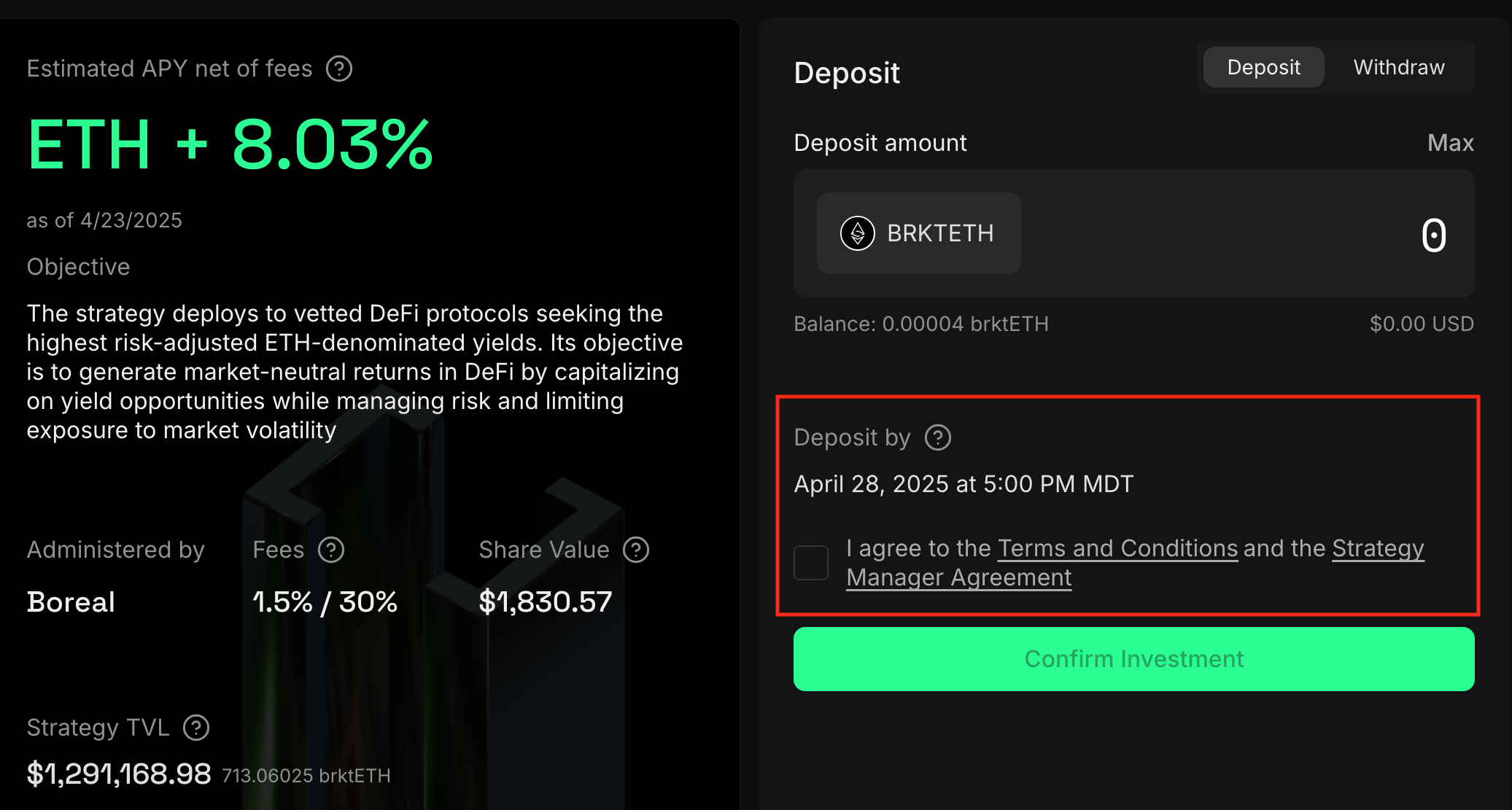
Once deposited AND you are successfully entered into the strategy (at the indicated NAV updated timeframe + processing time, typically 48hrs from that date), you will receive shares of the strategy in line with value based on that NAV update.
Each vault will have a receipt token representing shares of the strategy. Click "Add token" to add the token to your wallet.
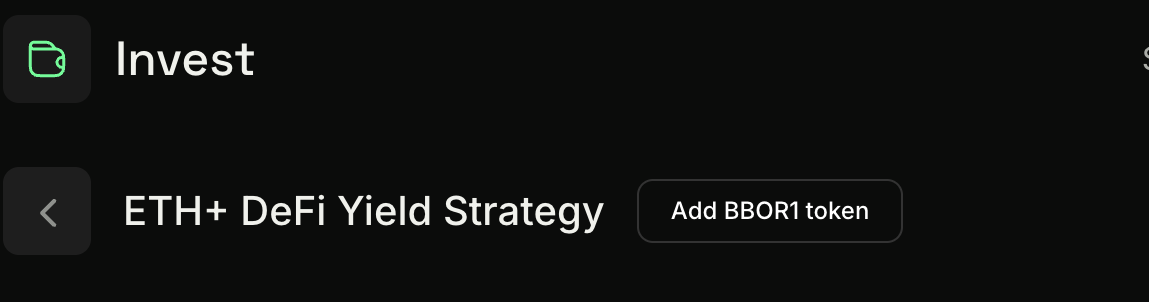
in the upper right hand corner of the header, you will see a button that indicates what token to add, click that and add to your wallet.

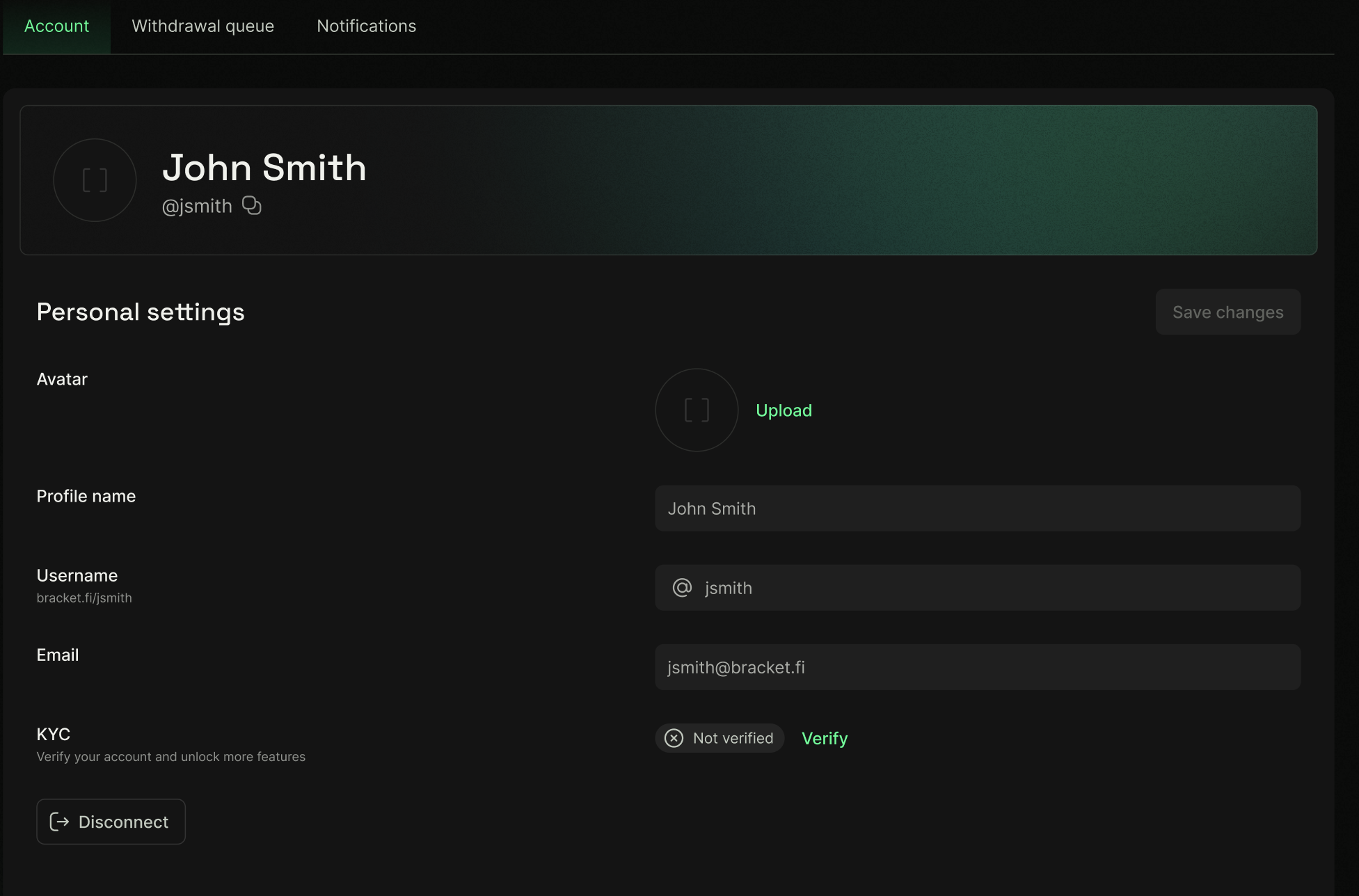
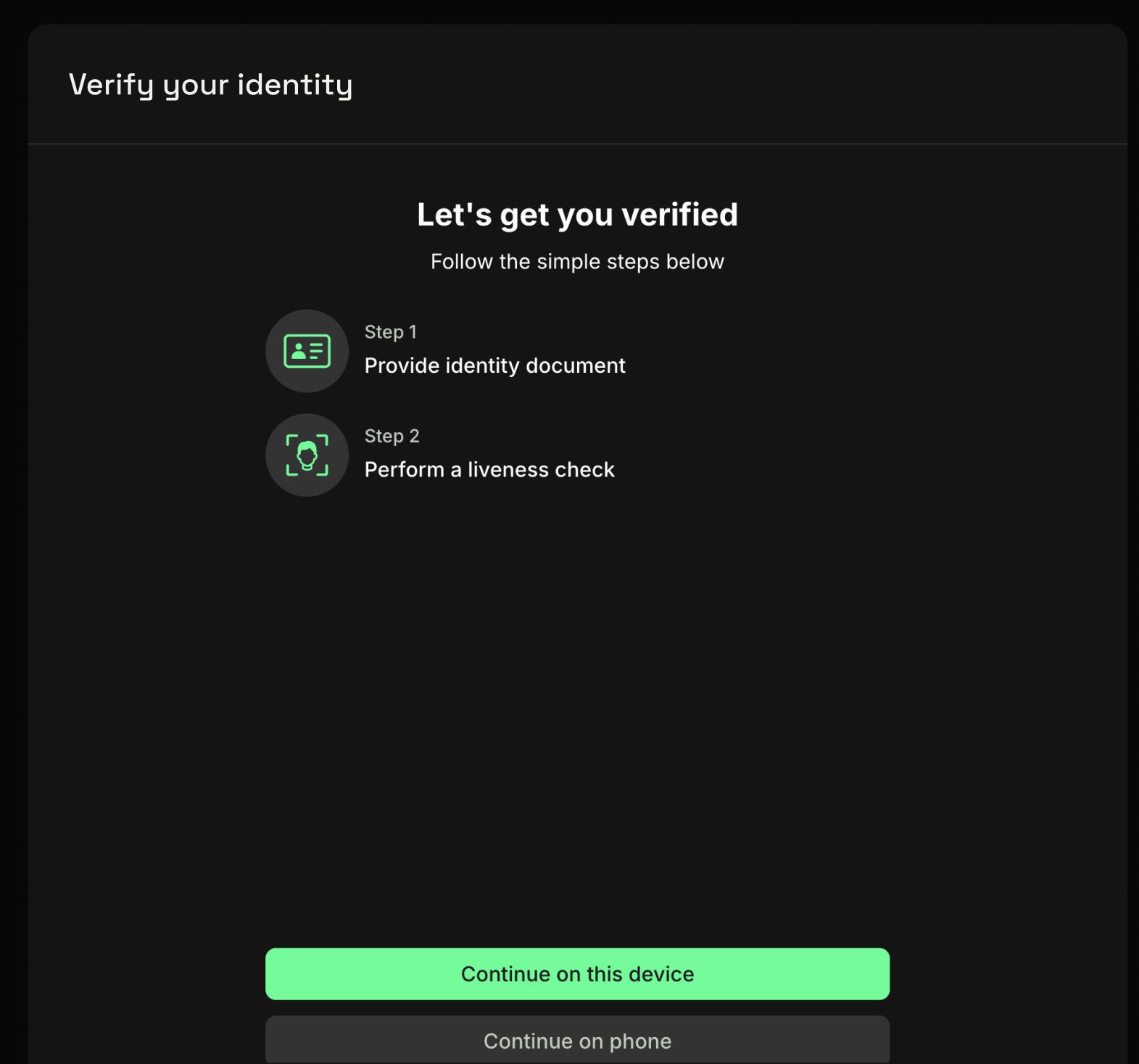
To enable transferability of a strategy token, you may have to fill out KYC/AML and Terms documentation on your investment for the shares you'd wish to be allowlisted for. This can be done via the Account Settings page (cog icon at top right of screen).